
BLR Well Cloud
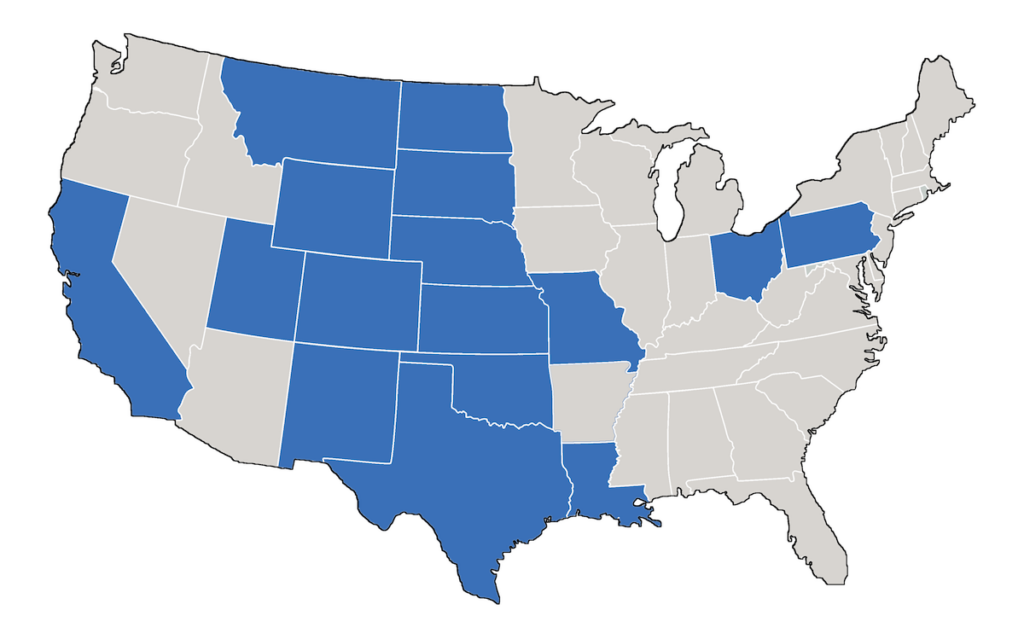
BLR Well Cloud is our online database of evaluation-ready forecasted reserves that streamlines screening workflows. Currently covering 16 states with more than 4M well headers and production history and forecasted reserves on over 1.3M producing entities.
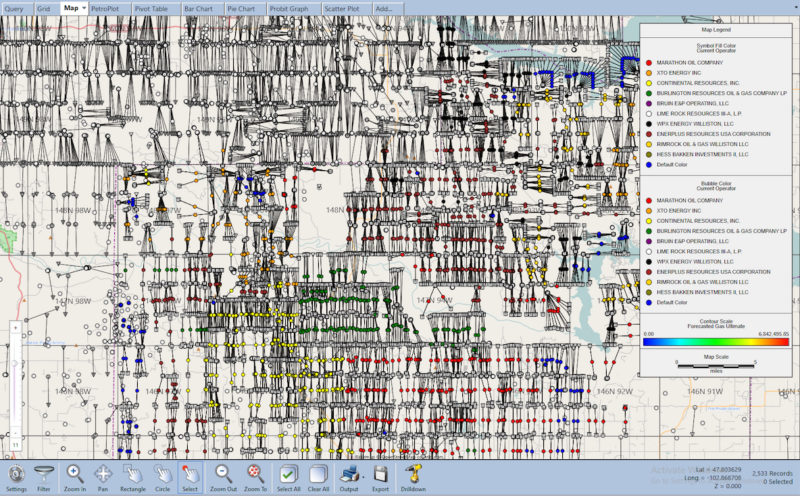
You can access BLR Well Cloud directly through our PetroVisual software or via a SQL Server database.
BLR Well Cloud Features
No Data Purge Hassle
Most data vendors require you to purge their data from all aspects of your company when you cancel your subscription. Data must be purged from databases, project files, and derived data must be purged too — if you can even figure out what it is. This is no small endeavor and a means of keeping you locked into a costly contract. We don’t play that game. Our contracts are simple and straightforward without this burden.

Allocated Production
- In addition to State reported regulatory production volumes, we offer allocated production data in Louisiana and Texas.
- While lease-level reporting of production volumes is efficient, it masks the performance of individual wells contributing to the overall lease volume.
- We use a variety of data attributes in our proprietary data allocation methodology to attribute production from a lease back to the associated wells on the lease.
Flexible Delivery Methods
- Access BLR Well Cloud through our PetroVisual software.
- Access BLR Well Cloud data through our Microsoft SQL Server database to use with your internal projects.
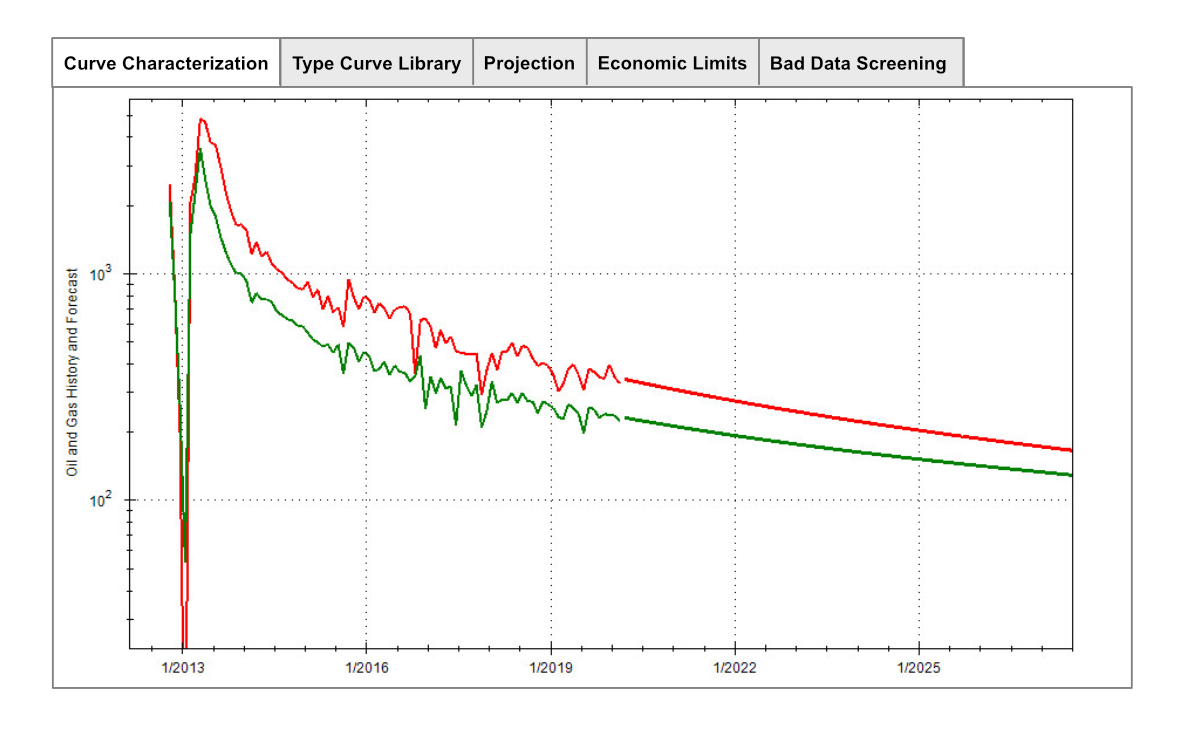
Reserves Forecasts
- Using our PetroCurveFit engine, we forecast active wells each month to provide forecasted reserves, statistics, and economics using the latest commodity prices.
- We use a multi-step process to clean and characterize the production data before applying its advanced curve fitting processes.
- We can fit well production that traditionally has required an engineer to forecast. Extensive backtesting confirms our accuracy at fitting oil and gas data.
Interactive Map Well Layer
- View well spots from BLR Well Cloud on an interactive map layer in PetroVisual.
- Click offset wells to view headers, production data, and reserves data.